How to use this effect
- 01Choose a pet photoUse one clear photo with your pet visible and well lit.
- 02Create the pumpkin lookThe effect applies a fixed pumpkin costume recipe to your uploaded photo.
- 03Save your resultReview the generated image in your library.
Image effect
This effect creates a still image and does not include audio.
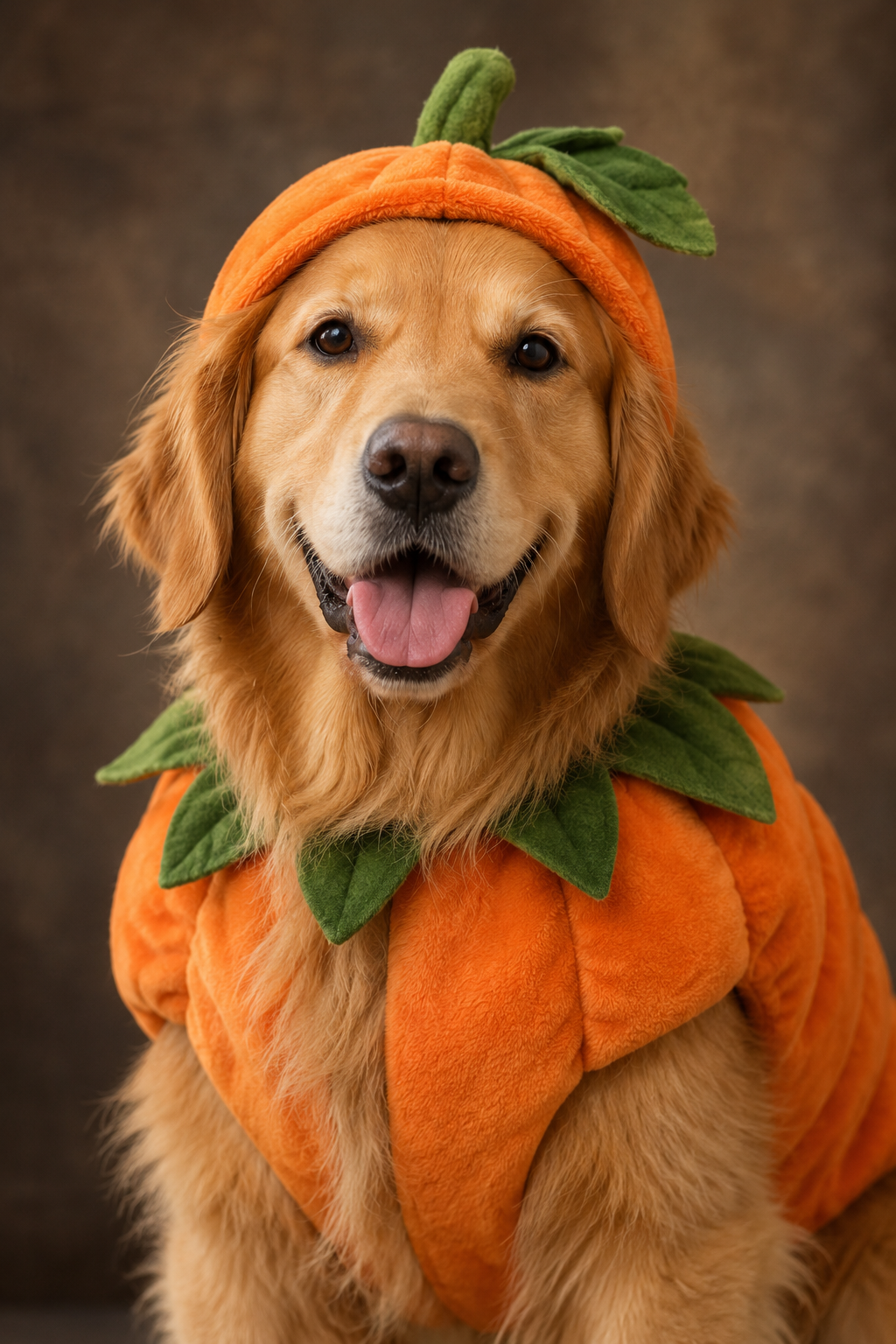
A pumpkin costume preview made from your pet photo
This effect creates a still image of your pet in a pumpkin costume. It is a virtual costume preview, so your pet does not need to wear an outfit for the photo.
Also searched as: pumpkin pet costume AI, AI pumpkin outfit for dogs, AI pumpkin outfit for cats.
Try another photo
A different clear photo can produce a new pose and composition while keeping the pumpkin costume theme.
Photo tips
- Use one pet in the frame.
- Choose a well-lit photo with the face visible.
- Avoid heavy blur or objects covering the pet.
Effect details
- Input
- 1 pet photo
- Output
- 1K image · default, square, or portrait
- Cost
- 4 credits
Frequently asked questions
No. The costume is added digitally to the generated image.
Yes. Use a clear photo of one pet.
One generation costs 4 credits.