
How to use this effect
- 01Choose a pet photoUse one clear, well-lit photo with your pet's face visible.
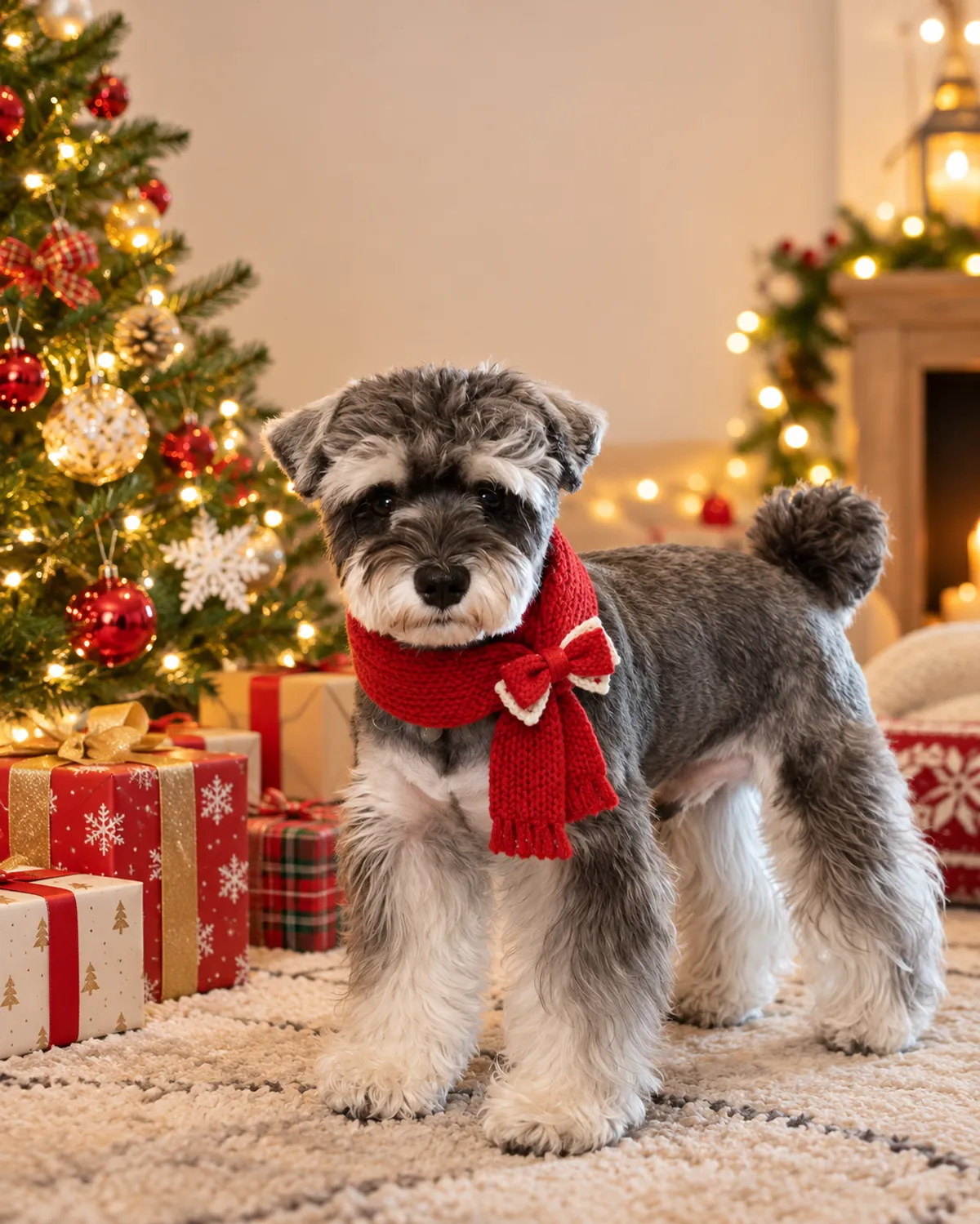
- 02Create the Christmas card lookThe effect applies a fixed Christmas card recipe to your photo.
- 03Save your resultDownload the image from your library within seven days.
Image effect
This effect creates a still image and does not include audio.
A Christmas card photo your pet doesn't have to pose for
Card photos are the hardest pet pictures to take: everyone looking, nobody moving. This look builds the scene around a photo you already have, framed with room for your greeting.
Also searched as: pet Christmas card, dog Christmas card, cat Christmas card, pet Christmas card ideas, AI Christmas pet photo.
Try another photo
A different photo can produce a new pose and framing with the same Christmas card look.
Photo tips
- Choose portrait framing for printed cards.
- Use a front-facing photo with the eyes visible.
- Add your greeting in your card or print tool.
Effect details
- Input
- 1 pet photo
- Output
- 1K image · default, square, or portrait
- Cost
- 6 credits
Frequently asked questions
Pet puns work best: “Meowy Christmas”, “Happy Howlidays”, “Season's greetings from the good boy” or “Merry Christmas from the whole pack”.
No. The image has no words or logos, so you can add any greeting in your card design or print service.
Images are 1K. They suit social posts and small printed cards; check your print service's size guide before ordering larger prints.
Each image costs 6 credits.