
AI wrapping paper pet photo trend
- 1 photo
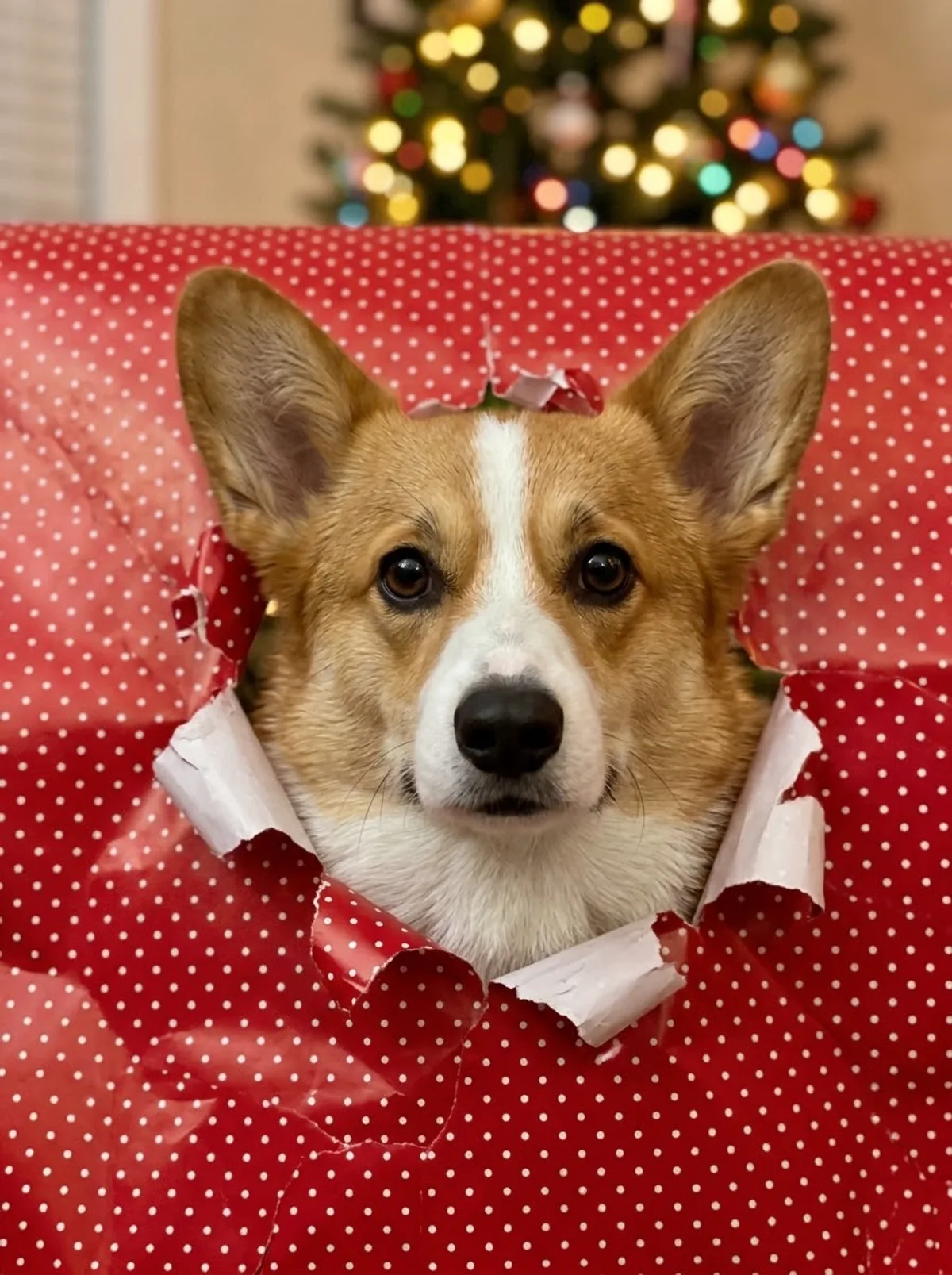
PetCostumeAI's wrapping paper effect recreates the viral pet photo trend from one picture: your dog or cat pushes its head through a torn hole in red wrapping paper with white dots, with Christmas tree lights glowing behind. You need no paper or tape. You get 1 image from 1 photo in default, square or portrait framing, for 50 credits.
Your pet photo
0/1Your pet photo
Add one clear photo of a pet you are authorized to use.
50 credits
Two free image previews, no sign-in needed. Unlock this same image for 50 credits.
Failed generations release credits automatically.
 Made with PetCostumeAI
More from the Christmas collection
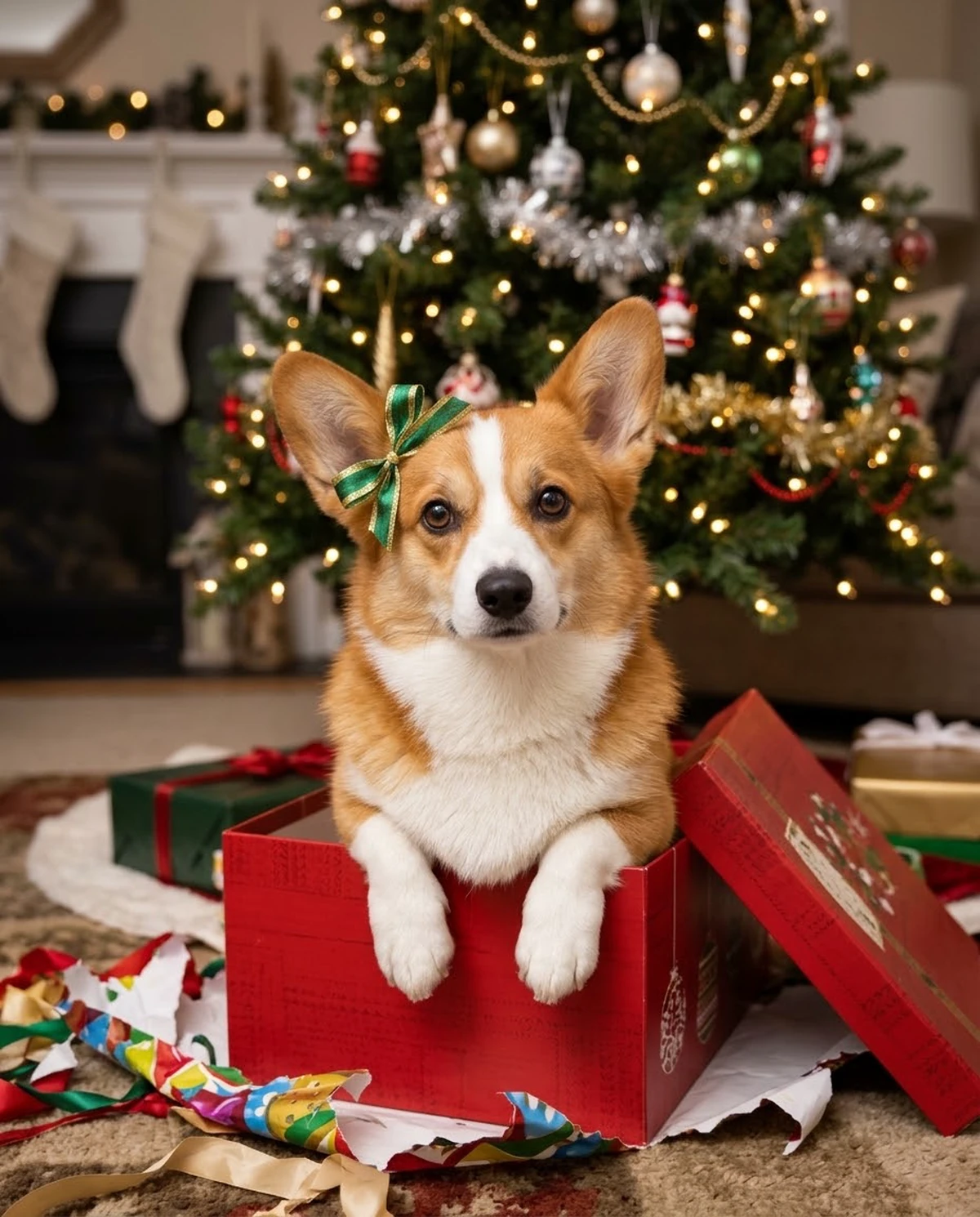 Look 01AI dog in a gift box photo
- Look 02AI Christmas dog video
- Look 03AI singing cat or dog: Christmas song video
- Look 04AI video of your cat knocking over the Christmas tree
- Look 05Dog or cat Christmas ornament video
- Look 06AI talking pet that says "Merry Christmas!"
- Look 07AI Santa caught on doorbell camera with your pet
- Look 08AI dog baking Christmas cookies video
Before & after
One photo in. One look out.
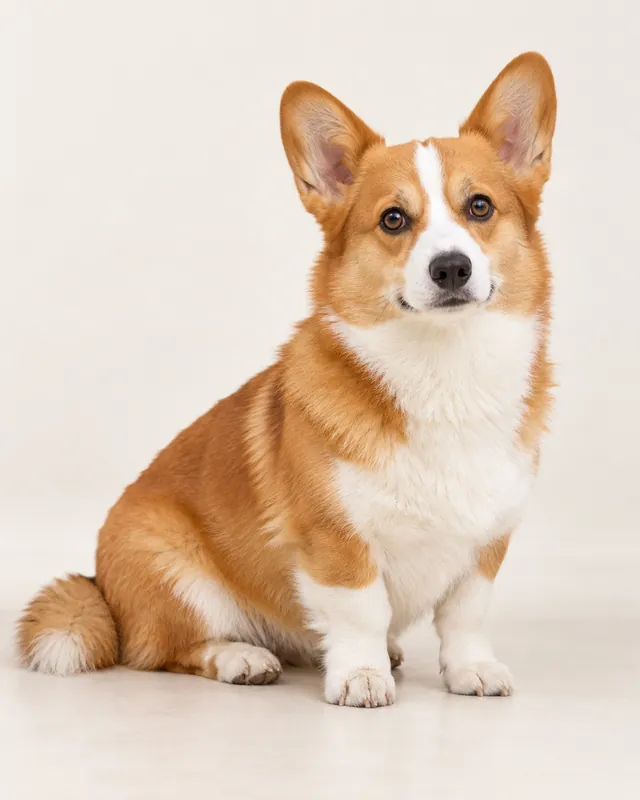
Original photo · Dog 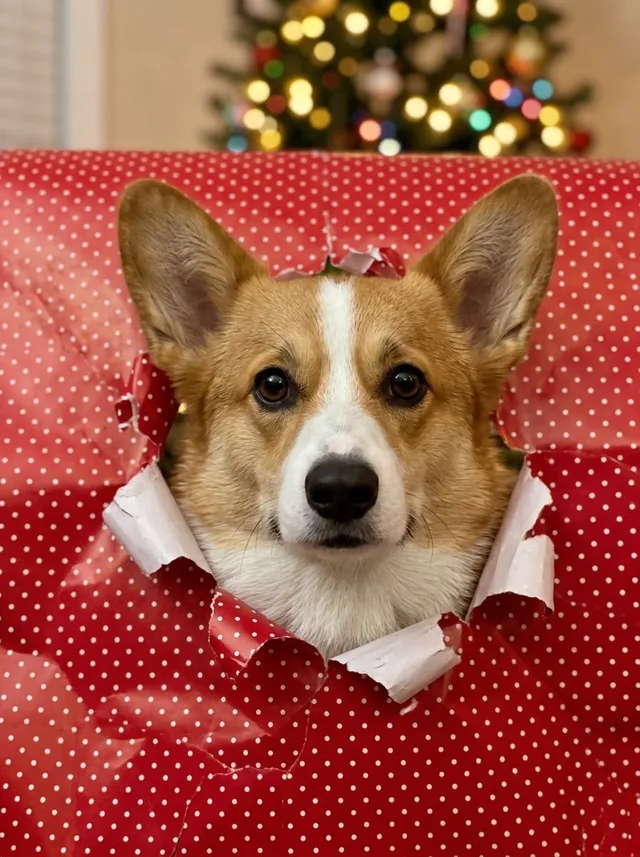
With the look 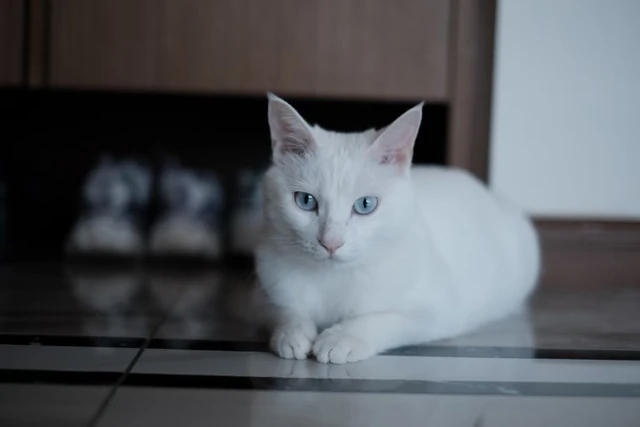
Original photo · Cat 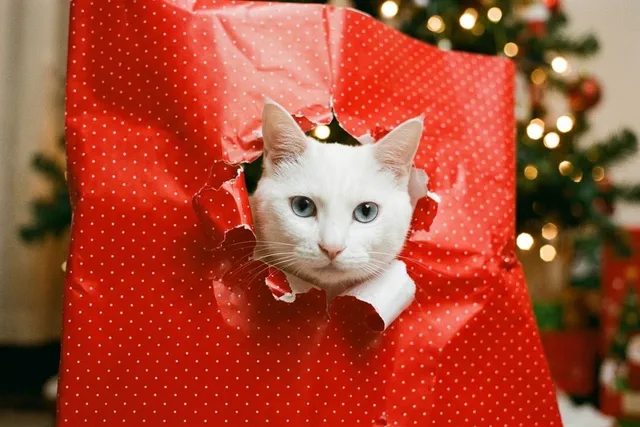
With the look
How it works
How to use this effect
- 1
Choose a pet photo
Use one clear, well-lit photo where your pet's face is visible.
- 2
Create the wrapping paper photo
The effect applies a fixed recipe: red paper with white dots, a torn hole and Christmas tree lights.
- 3
Save your result
Download the image from your library within seven days.
Photo tips
- 01Use one pet in the frame.
- 02A front-facing photo with both eyes visible works best.
- 03Choose portrait for Stories and Reels, or square for a Christmas card post.
The wrapping paper dog trend, without the setup
In the wrapping paper trend, a pet pushes its head through a sheet of Christmas paper for the photo. Doing it for real takes paper, tape, treats and a lot of retakes. This effect makes the picture from one photo you already have, and it works for cats as well as dogs.
Try another photo
A different photo gives a new tear and pose in the same red paper. In default framing, the shape can follow your photo, so a wide photo may give a wide result.
Effect details
- Input
- 1 pet photo
- Output
- 1K image · default, square, or portrait
- Cost
- 50 credits
- Image effect
- This effect creates a still image and does not include audio.
Questions
Frequently asked questions
Upload one clear photo of your dog and create the image. The paper, the hole and the tree lights are all generated, so nothing has to be taped up.
Yes. Upload a clear photo of one cat with its face visible. This page shows one dog sample and one cat sample.
Not yet. The recipe always uses bright red paper with small white dots.
Each image costs 50 credits. Credits are a one-time purchase with no subscription.